

Internet Speed and Connectivity in Malta: A Guide for Devs
A practical, Malta-focused guide for developers on internet speed, connectivity options and testing so you can build reliably whet…

A practical, Malta-focused guide for developers on internet speed, connectivity options and testing so you can build reliably whether you work from a Valletta office, a Sliema coworking space or remotely from Gozo.
For developers in Malta, a good wired connection is as essential as a good IDE — prioritise low latency and a reliable upload for day‑to‑day work.
Test at different times of day and document the results — it’s the fastest way to prove intermittent issues to your ISP or workplace IT.
For developers working in Malta — whether you’re on an iGaming team in St Julian’s, a fintech startup in Sliema, or doing remote contract work from Gozo — reliable connectivity affects everything from CI builds to video calls and remote debugging.
Malta’s small island job market brings clustered office hubs (Valletta, Birkirkara, Msida) and many shared‑service centres; employers expect hybrid and remote readiness, so developers should be able to guarantee a stable connection for pair programming, deployments and client demos.
This article focuses on practical testing, simple home‑office upgrades, provider choices and what to prioritise when your work depends on low latency and consistent bandwidth.
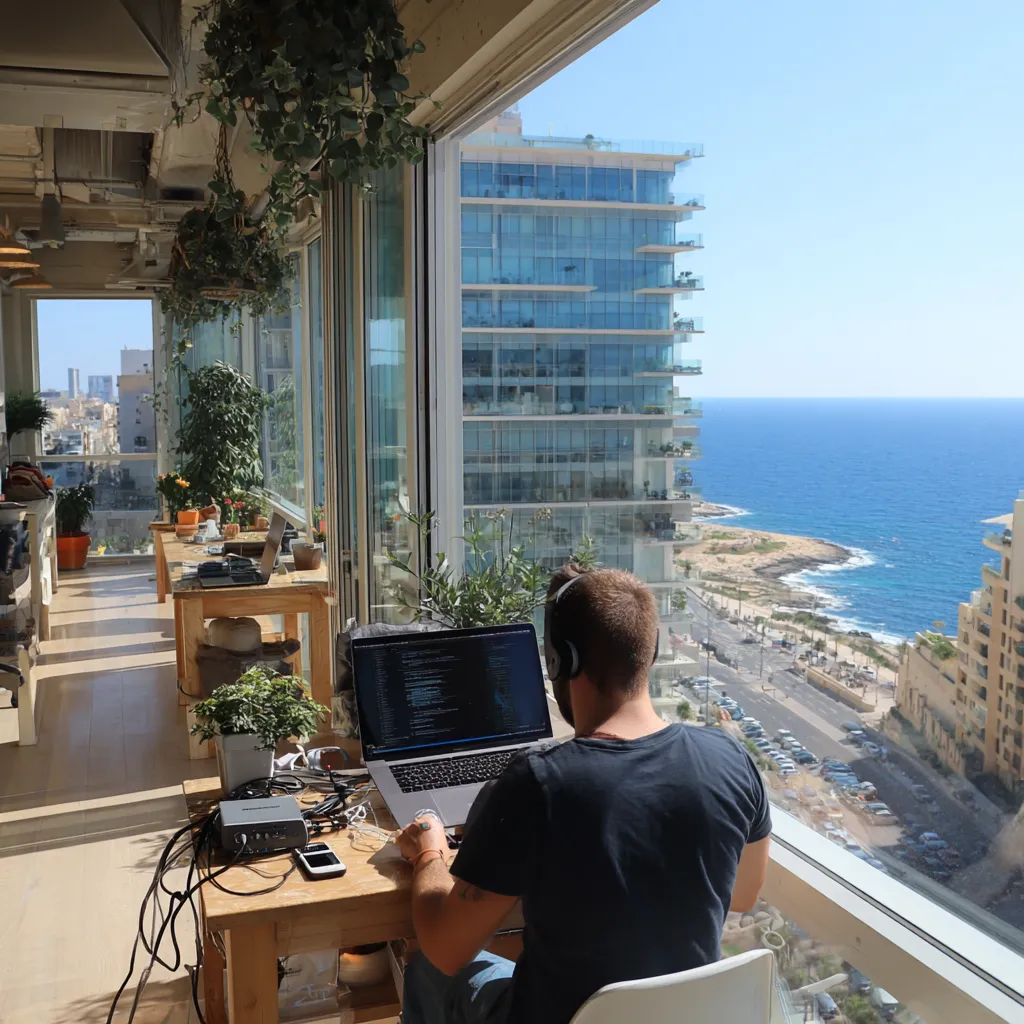
Bandwidth (download/upload) tells you how much data moves per second — important for large downloads, container images and uploads to CI/CD systems — while latency (ping) determines responsiveness for SSH sessions, Live Share and remote desktop.
Packet loss and jitter are often the silent killers of video calls and real‑time collaboration; even with high download speeds, sporadic packet loss can make pair programming or customer demos unusable.
For devs in Malta, aim for low latency to major European hubs (London, Frankfurt) if your services or colleagues are hosted there; for remote databases or cloud IDEs, stable upload speeds matter as much as download.

Fixed broadband (fibre or cable) is the primary choice for stable home offices in urban areas like St Julian’s, Sliema and Birkirkara; it typically offers the best combination of speed and reliability for developers.
Mobile data (4G/5G) is a useful backup for remote work, hotdesking or short commutes — it can be surprisingly fast in built‑up areas but coverage and consistency vary, especially in parts of Gozo or inland valleys.
Some coworking spaces and offices provide enterprise connections with redundant links; if you rely on continuous access (e.g. on‑call rotations), consider a secondary connection or a 4G/5G failover device.
Run speed tests at different times of day (morning, lunchtime, evening) to spot congestion. Use reputable tools to test download/upload, latency and packet loss and record results over a week to establish a pattern.
Test end‑to‑end performance to the regions and services you use: ping or traceroute to your cloud region, clone a repo to measure real‑world throughput, and run a video call to evaluate jitter and CPU load simultaneously.
If you see problems, reboot your router, test wired Ethernet versus Wi‑Fi, and isolate devices. Keep a short log of tests and times — this helps if you need to escalate to your ISP or an office IT team.

Simple changes often yield big wins: prefer wired Ethernet for your main workstation, use a quality mesh Wi‑Fi or enterprise‑grade router for larger flats, and place the router centrally away from thick stone walls common in Maltese buildings.
Consider Quality of Service (QoS) rules to prioritise developer tools (SSH, VPN, video calls) during work hours; set up a backup mobile hotspot or a 4G/5G USB modem for failover when needed.
If you expect to run local servers or host demos, discuss a higher upload tier with your ISP; many developers in local startups negotiate business packages with static IPs or VPN support.
Major local providers serve most urban areas, and many offer business packages aimed at startups and remote professionals — compare upload speeds, latency guarantees, SLAs, and whether they provide static IPs or symmetrical fibre.
In Malta's small market you can often negotiate bundle deals or promotional rates, but check contract lengths and early‑exit fees; if you’re an EU or non‑EU candidate relocating, budget for setup costs and initial deposits when planning salary expectations.
Finally, when living outside main hubs (for example in parts of Gozo or rural localities) always confirm exact coverage and speeds with neighbours or local forums before signing up — island geography and building materials can affect real performance.
Explore more career advice and industry insights.
A practical, Malta-focused guide for developers on internet speed, connectivity options and testing so you can build reliably whet…

A practical, Malta-focused guide for developers on internet speed, connectivity options and testing so you can build reliably whet…

A practical, Malta-focused guide for developers on internet speed, connectivity options and testing so you can build reliably whet…
Find your next opportunity.