

Melita, GO, or Epic? Best Internet Providers for Remote Work
A practical Malta-focused guide comparing Melita, GO and Epic and how to choose the best home internet for reliable remote work ac…

A practical Malta-focused guide comparing Melita, GO and Epic and how to choose the best home internet for reliable remote work across Valletta, Sliema, Gozo and beyond.
For many Maltese remote workers, a small mobile backup turns a potential missed interview into a seamless day.
Always test a provider at your exact address — street-level coverage maps only tell part of the story.
Malta’s job market increasingly supports hybrid and fully remote roles — from iGaming teams in St Julian’s to finance shared-service centres in Mrieħel — and your home connection is often the difference between a smooth working day and repeated dropped calls or slow uploads.
On a small island where many companies operate across Valletta, Sliema, Birkirkara and Gozo, reliable broadband affects everything from daily video interviews to uploading work to cloud servers and running remote demos for clients.
This guide focuses on practical considerations for people living and working in Malta: what Melita, GO and Epic typically offer, how to test and compare services at your address, and tips for avoiding downtime during a switch.

Melita, GO and Epic are the main consumer-facing providers in Malta; each has strengths and slightly different offerings. In broad terms, some providers focus more on fixed-line and cable/fibre services while others complement fixed broadband with strong mobile and 5G options.
Melita is often associated with cable and in many areas offers high-capacity fixed broadband and bundled TV services. GO provides a range of fixed and mobile products and has wide storefront presence; they also serve business customers with dedicated packages. Epic is known as a mobile-first operator but has expanded into fixed wireless and fibre in parts of the islands.
Coverage and real-world performance can vary by street and building: always check availability for your exact address and, where possible, ask neighbours or local building management about their experiences.

For remote work, raw headline speed is less important than consistency, upload capacity and low latency: video calls, cloud backups and VPNs rely on predictable performance. If you do frequent video conferencing or host webinars, ask about upload performance and whether the provider offers business-grade SLAs or static IPs.
Consider redundancy: many Maltese remote workers keep a mobile data plan or a small 4G/5G router as a failover for important meetings. Also check router quality and whether the provider supplies a modem with up-to-date Wi‑Fi standards or whether you should invest in a mesh system for a multi-room flat.
Customer service and technician response times are a practical factor — waiting days for an engineer can be costly if you’re on a strict schedule. If your employer expects high uptime, discuss contributions to a dedicated business line or co-funding of improved service.

Start by checking availability on each provider’s website using your exact address. Availability maps can be indicative but don’t always reflect in‑building limitations — speak to neighbours or building management for confirmation.
Run real-world speed tests at different times of day and, if possible, ask the provider for an engineer to verify the line before cancelling your current service. If you’re moving house, arrange overlapping service for a day or two so you can port numbers and avoid missing interviews.
When scheduling installation, clarify expected lead times, any fees for moving or early termination, and whether the technician will need access to communal wiring in apartment blocks. Keep copies of installation appointments and any reference numbers from customer support.
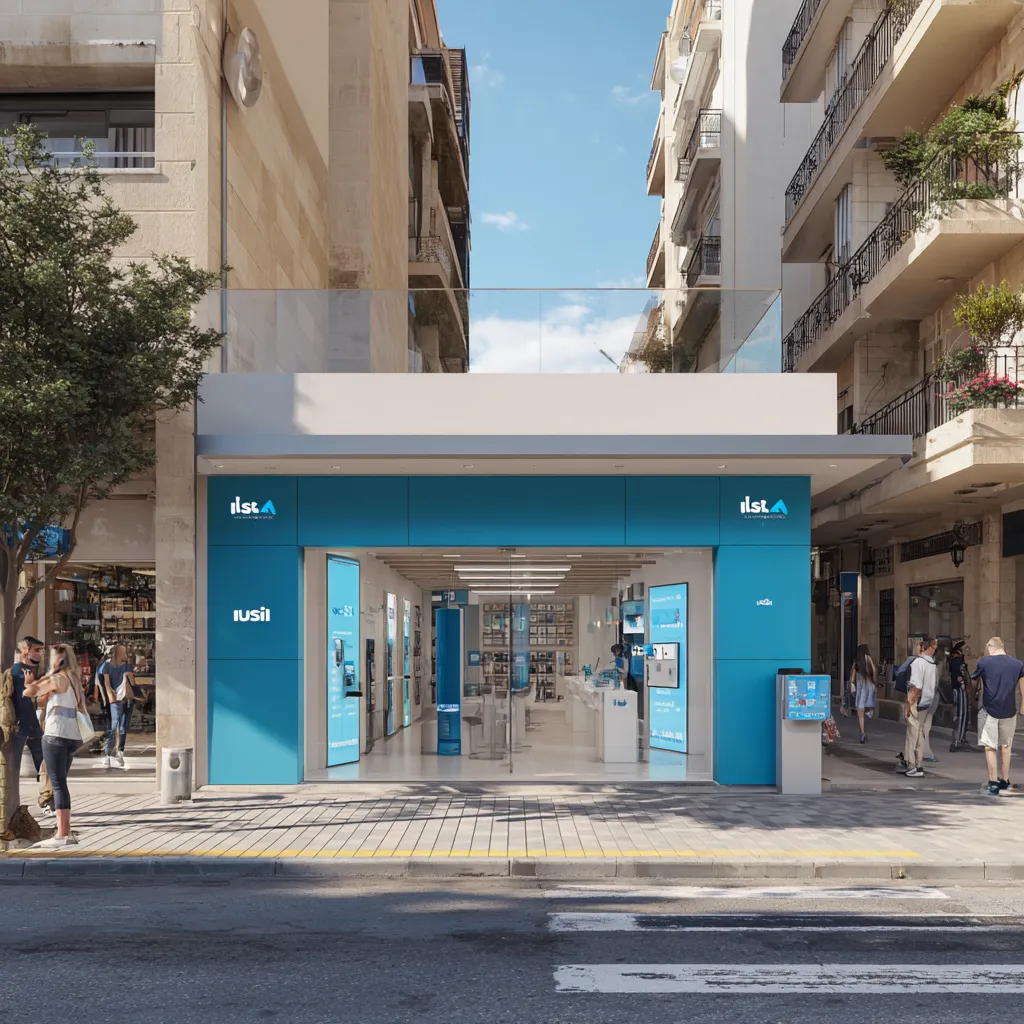
Coverage is generally densest on mainland Malta; if you live in Gozo or a rural pocket, check fixed-line availability and consider a mobile-first plan with 4G/5G backup. Some Gozo residents use hybrid setups or rely on business-grade links when their employers require consistent connectivity.
If you work from co-working spaces in Valletta, Sliema or St Julian’s, these locations often have enterprise-grade connections — ask your employer if they’ll cover membership, or use the space for client meetings and heavy uploads while keeping a lighter home plan.
Different sectors have different tolerances: iGaming and finance roles often demand low-latency connections and secure remote access, while startups and hospitality roles may prioritise flexibility and cost. Don’t be shy about discussing connectivity expectations with HR during offer negotiation; many employers will contribute to home-office setups.
Explore more career advice and industry insights.
A practical Malta-focused guide comparing Melita, GO and Epic and how to choose the best home internet for reliable remote work ac…

A practical Malta-focused guide comparing Melita, GO and Epic and how to choose the best home internet for reliable remote work ac…

A practical Malta-focused guide comparing Melita, GO and Epic and how to choose the best home internet for reliable remote work ac…
Find your next opportunity.